
See below for a step-by-step guide to downloading your statements.
1. Navigate to
https://businesscredit.coles.com.au
Login with your registered email associated with your Coles for Business credit account.
2. Select Statements on the left side navigation bar.

3. Selecting the Open button will open your statement in PDF format in a new window.
You will be able to download your statement in PDF format from the window that opens.
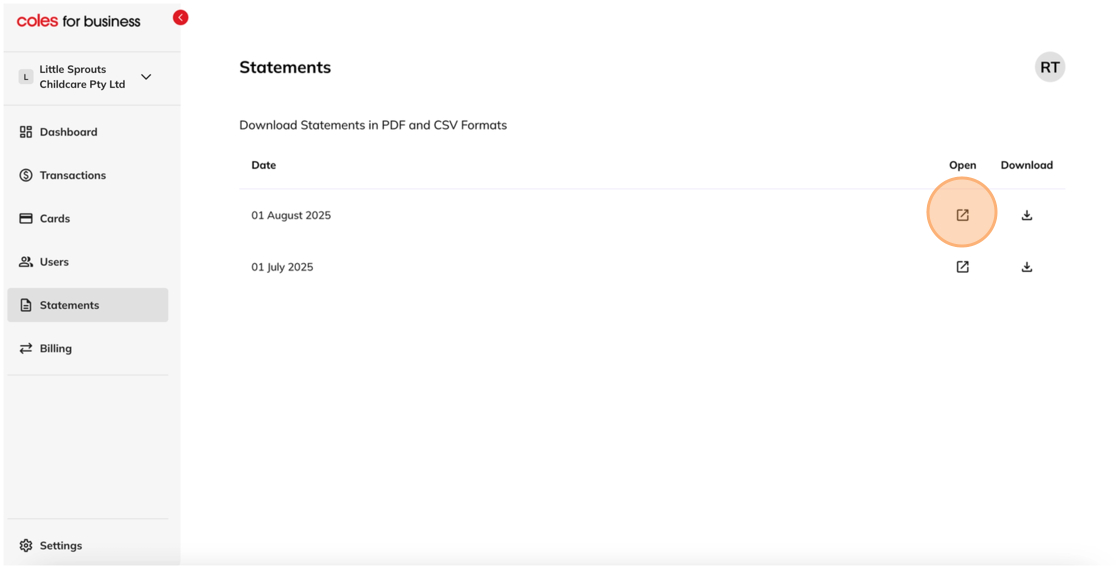
4. Selecting the Download button will allow you to download your statements in CSV format.
